
1. Select California from the dropdown menu.
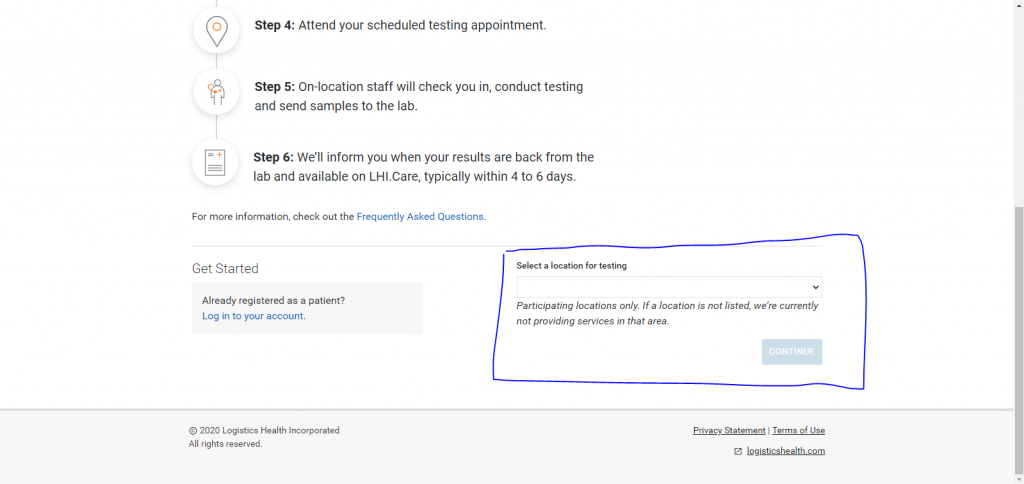
2. Complete the patient screening survey and then click confirm. (make sure to select healthcare worker for occupation)
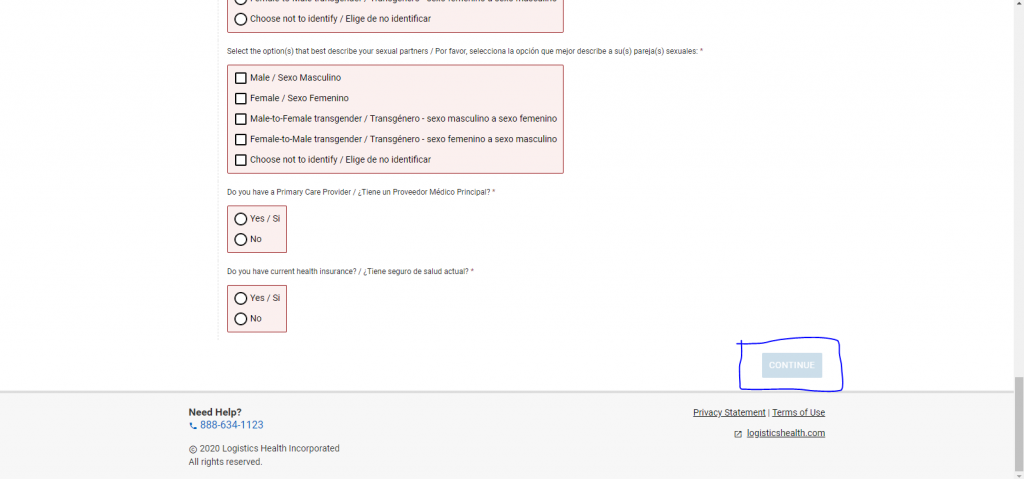
3. Fill out personal information, complete reCAPTCHA and click submit. (write down patient ID number, you will need it when creating your account)

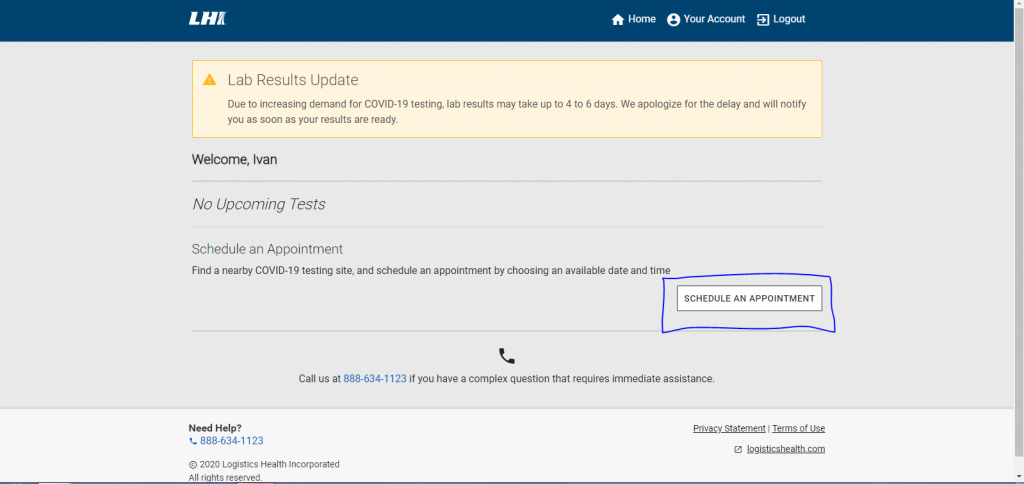
4. Fill out personal information for creating your account. When you’re done, this page should pop up. Select schedule an appointment.
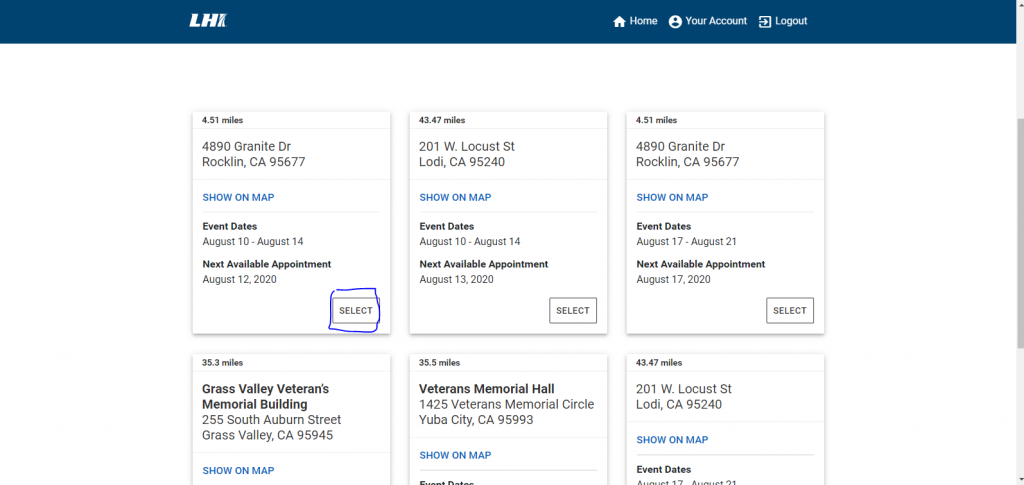
5. Select a convenient location. (make sure appointments are available there)
6. Select date and time and then click “schedule.”
